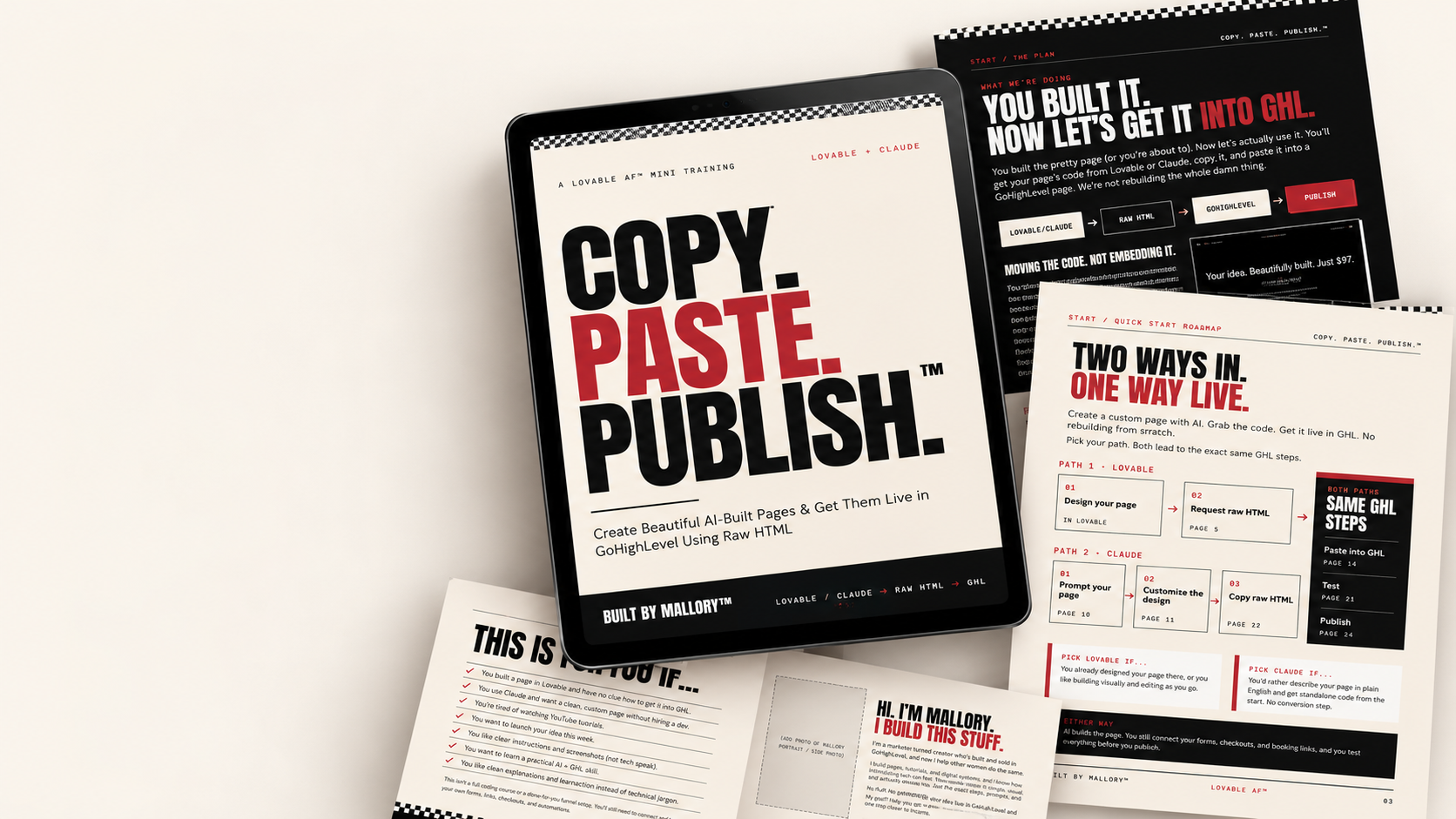
COPY. PASTE. PUBLISH.™ — a $17 PDF tutorial by Mallory
Your AI page is cute.
Now let's get the damn thing into GHL.
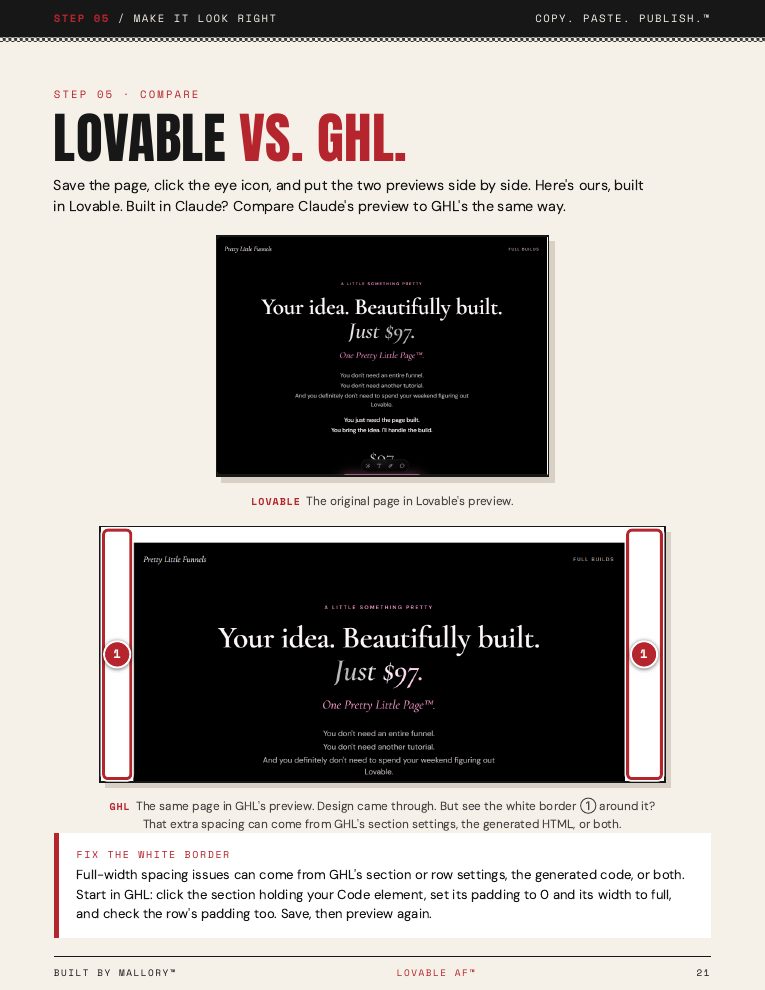
Built something gorgeous in Lovable or Claude, then froze at the code? This 29-page visual guide shows you exactly how to copy your page into GoHighLevel, test it, and publish. No rebuilding. No coding degree.
PDF tutorial • Exact AI prompts • Real GHL screenshots
One-time $17. Instant PDF. Not software, not done-for-you.
You built the page.
Now what the hell do you do with it?
For DIY entrepreneurs, product sellers, VAs, funnel builders & service providers
Your page looks amazing in Lovable or Claude. But your funnels, checkout links, and automations live in GHL. Rebuilding it from scratch? Absolutely not.
That's exactly why I made this.
How it works
Two AI tools.
One simple process.
Path 01
Lovable
- 01Design your page
- 02Ask for raw HTML
- 03Move it into GHL
Path 02
Claude
- 01Describe your page
- 02Customize the design
- 03Copy the HTML
- 04Move it into GHL
Both paths lead to
Paste →
Test →
Publish.
Note: Forms, payments, and automations still need to be connected and tested separately.
Every click. Every step.
No guessing.
The Lovable Method
Get your existing Lovable design into standalone HTML.
The Claude Method
Create a custom page with AI and grab the complete code.
The Exact Prompts
Copy-and-paste instructions for generating and improving your pages.
The GHL Walkthrough
Real screenshots showing how to create your funnel, add the code element, and paste your HTML.
The Test + Publish Checklist
Check mobile, buttons, spacing, images, domain settings, and your live page.
The Fix-It Toolkit
Troubleshooting instructions and a reusable AI prompt for correcting common issues.
Wanna see what you're getting?
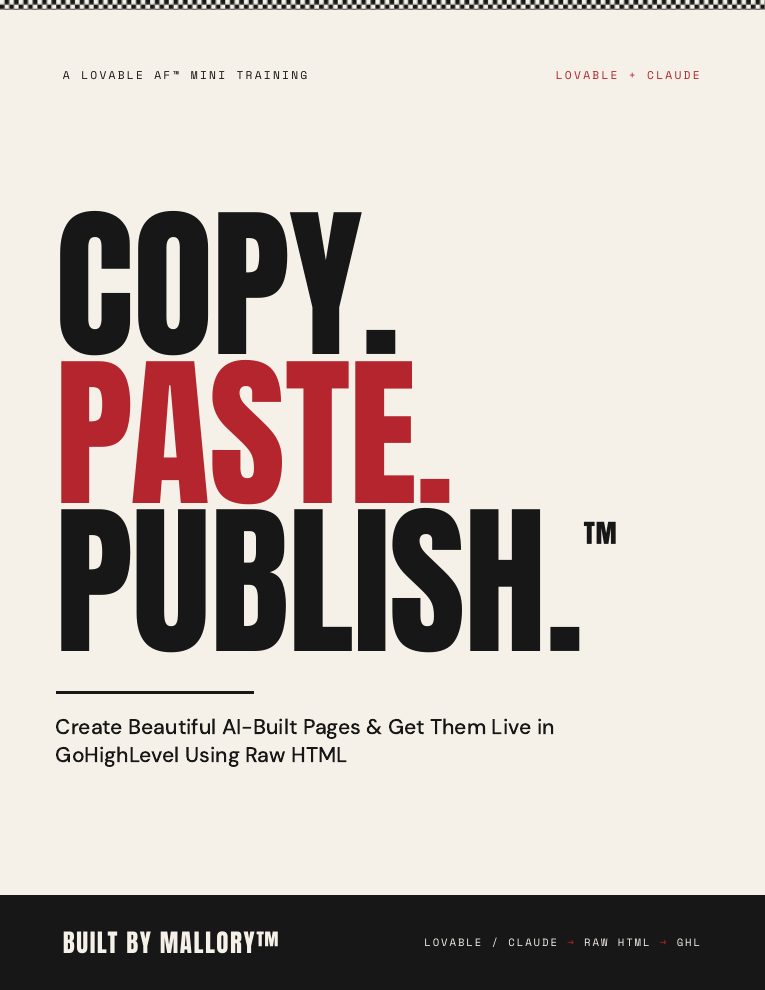
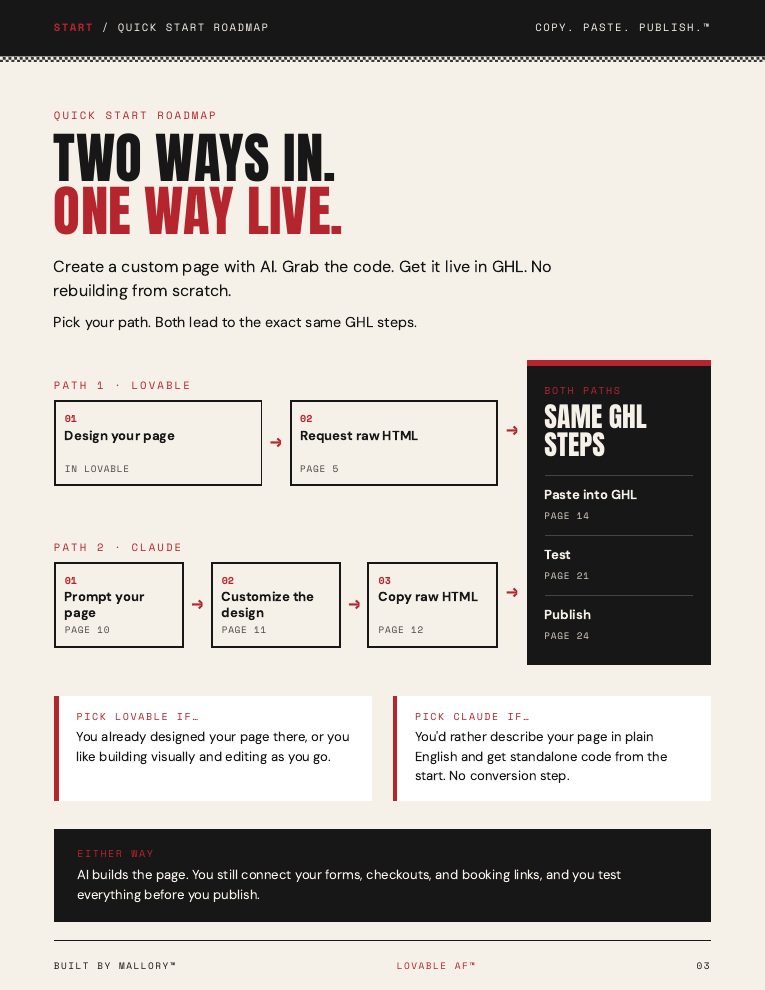
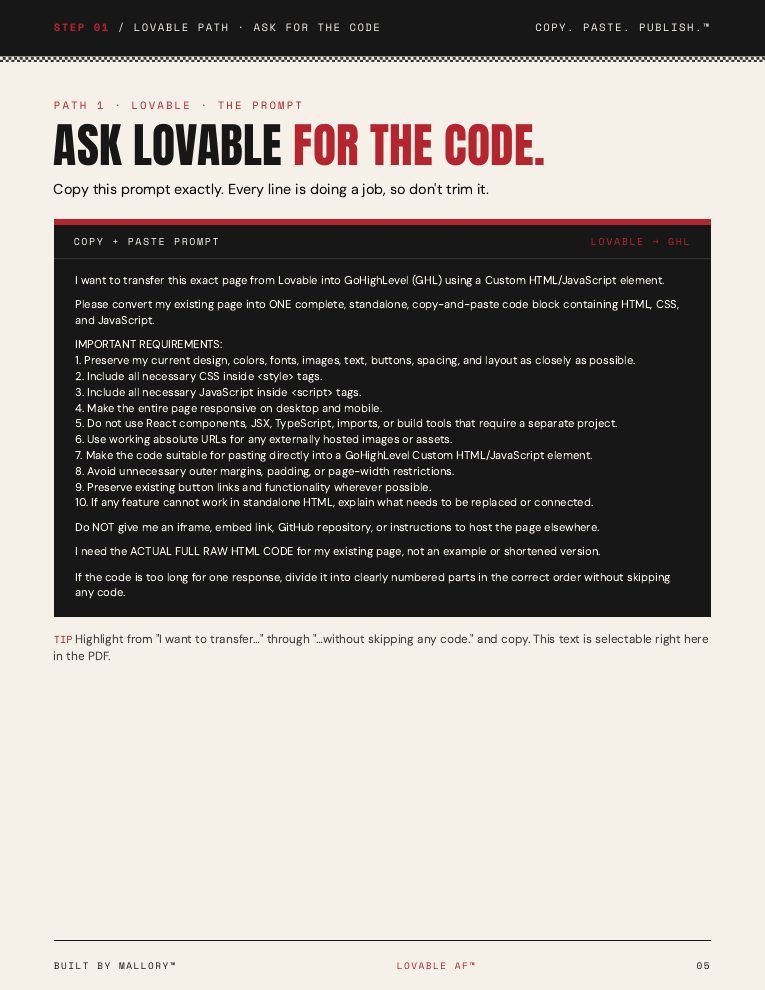
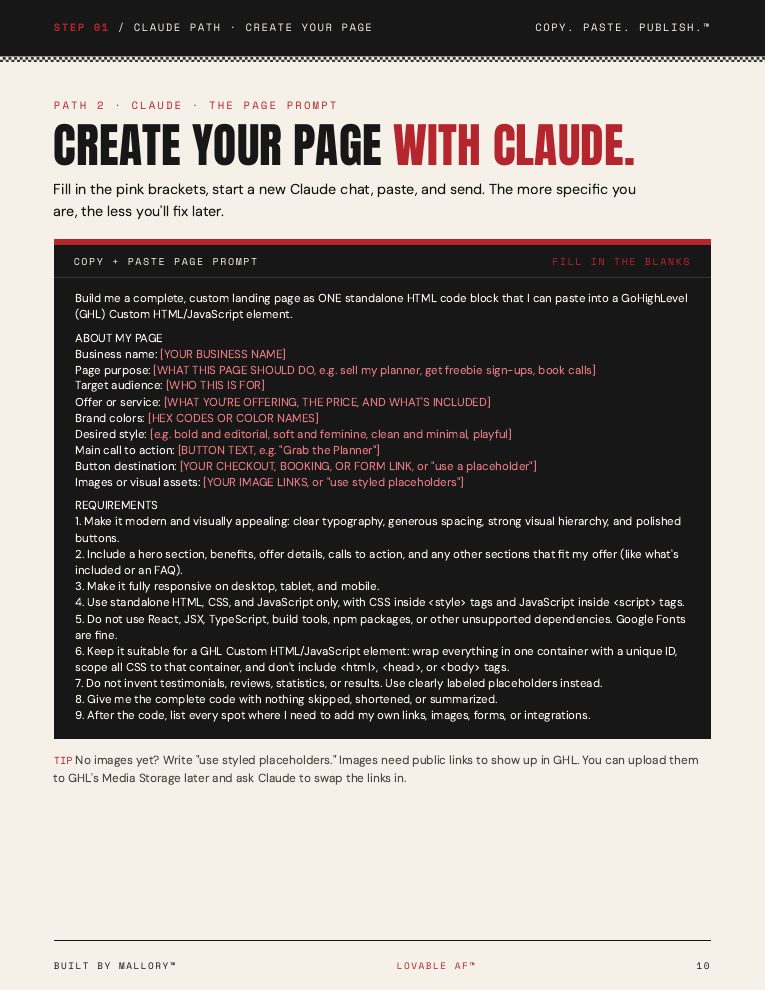
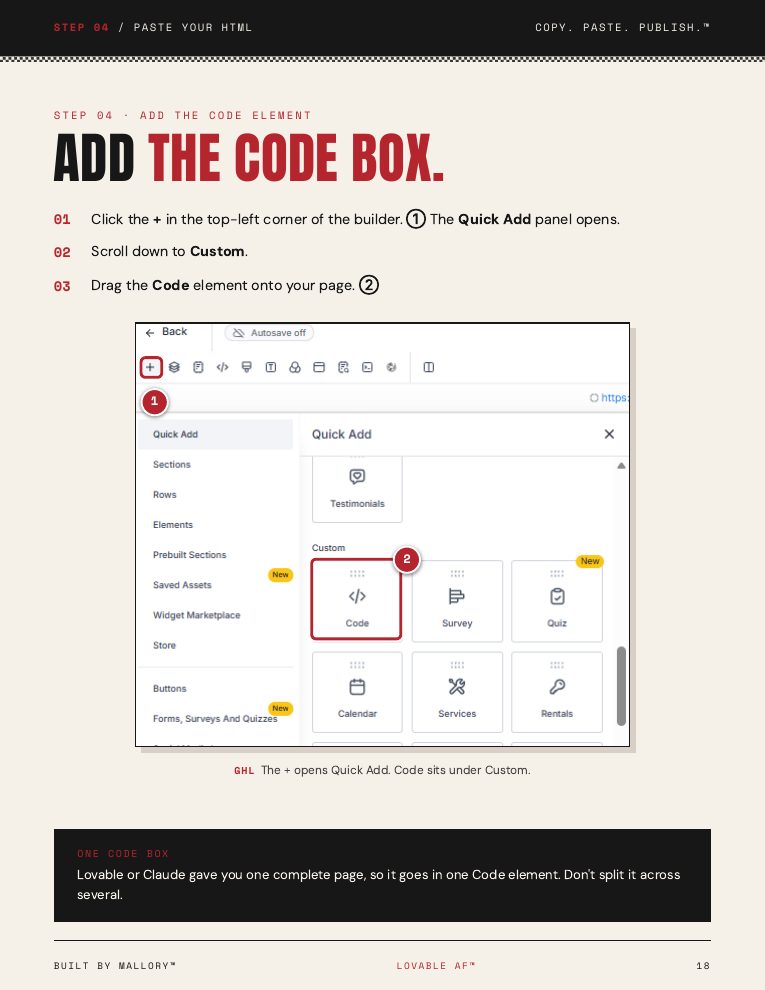
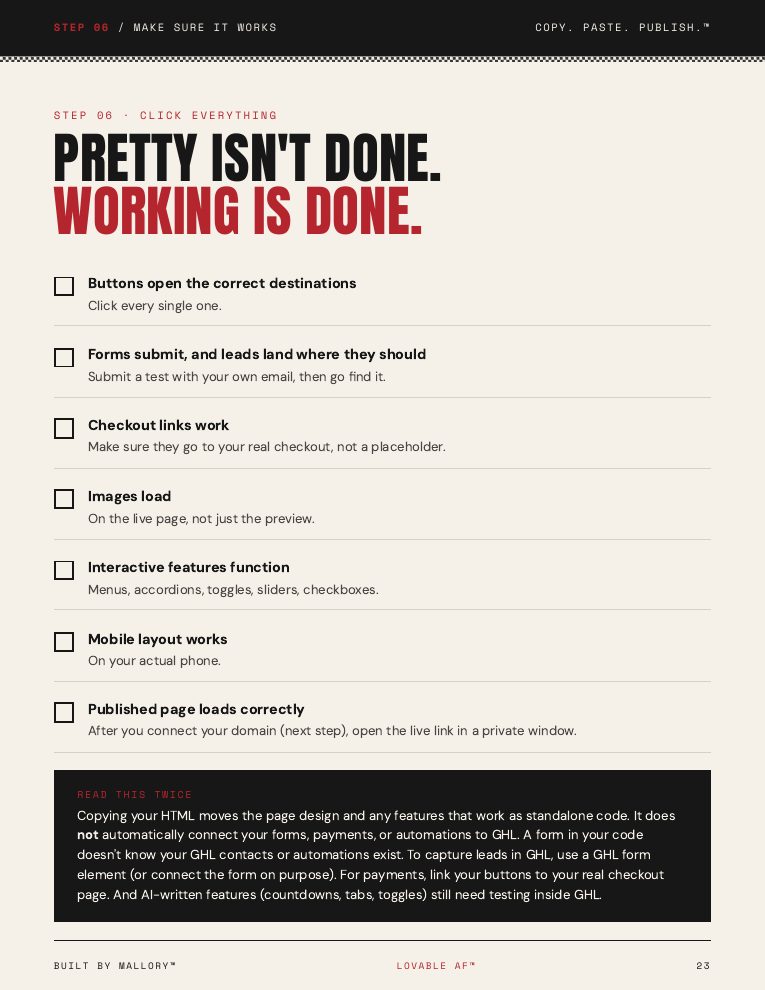
Actual pages from the guide. No mystery fluff.
Oh, and I threw in some extras.
Bonus 01 · Included
The Page Prompt Playground
Five starter page ideas to help you create sales pages, freebie pages, waitlists, booking pages, and mini websites.
Bonus 02 · Included
The Fix-It Prompt
A reusable prompt to help troubleshoot missing images, weird spacing, broken buttons, and layout issues.
Bonus 03 · Included
The Copy + Paste Prompts
Reusable prompts for getting raw HTML from Lovable and Claude.
"Because figuring out the tech is enough work. I'm not making you guess what to type, too."
This is for you if…
- ✓You built a page in Lovable and have no clue how to get it into GHL.
- ✓You use Claude and want to create custom pages without learning to code.
- ✓You're tired of rebuilding the same damn design.
- ✓You want to learn a practical AI + GHL skill.
- ✓You like clear screenshots and instructions instead of technical jargon.
This isn't a full coding course or a done-for-you funnel setup. You'll still need to connect and test your own forms, links, checkouts, and automations.

Hi. I'm Mallory.
I build this stuff.
I'm the backend business woman behind Built by Mallory™.
I build pages, funnels, and digital systems, and I know how frustrating it is to create something you love in one tool and then wonder how the hell to use it in another.
So I put together the exact steps, prompts, and screenshots to make the process easier.
No giant tech course. No unnecessary fluff. Just a skill you can actually use.
Your next page starts here
Make it pretty.
Make it work.
$17
One payment. A practical guide you can keep coming back to.
- +29-page PDF tutorial.
- +Lovable + Claude instructions.
- +Copy-and-paste prompts.
- +Real GHL screenshots.
- +Troubleshooting resources.
- +Bonus page prompt ideas.
A downloadable PDF tutorial — you follow the steps, your page goes live.
Quick FAQ
You built it.
Now go use it.
Stop letting your good pages sit in preview mode.